NetGain HyPer-Drive CAN Touch Display
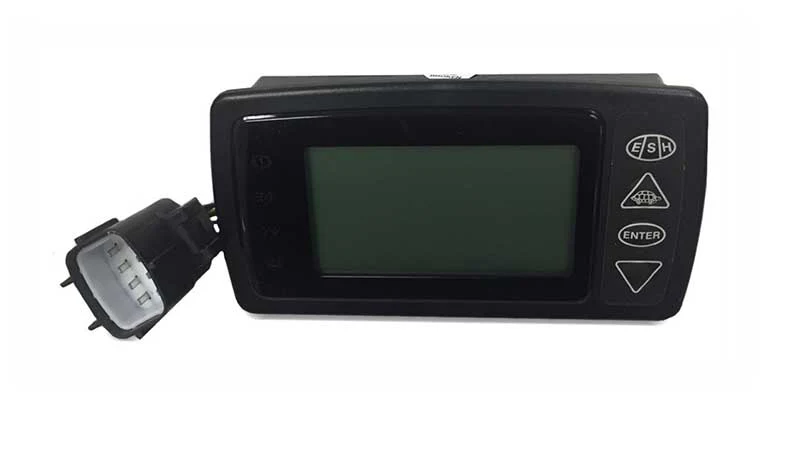
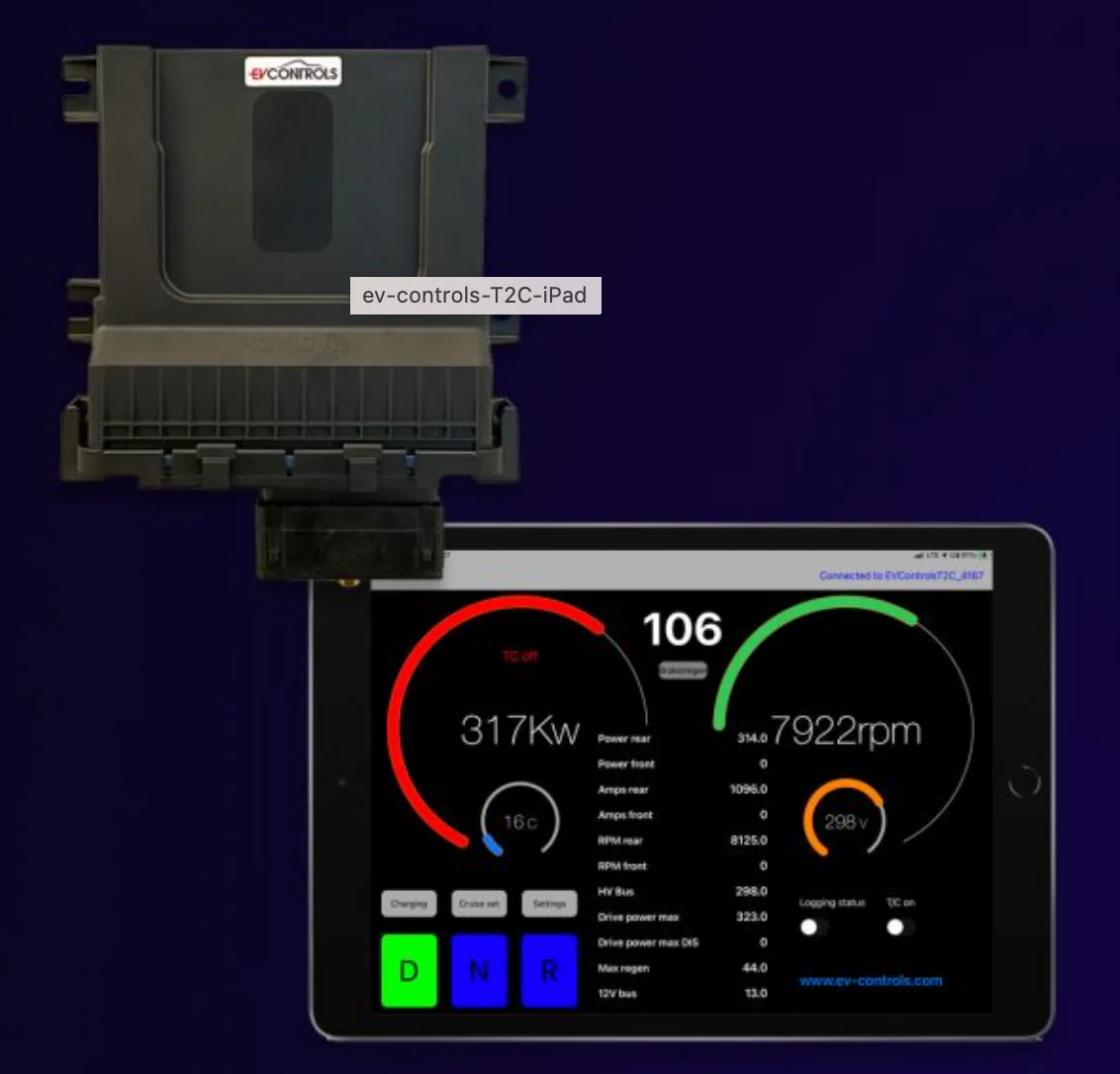
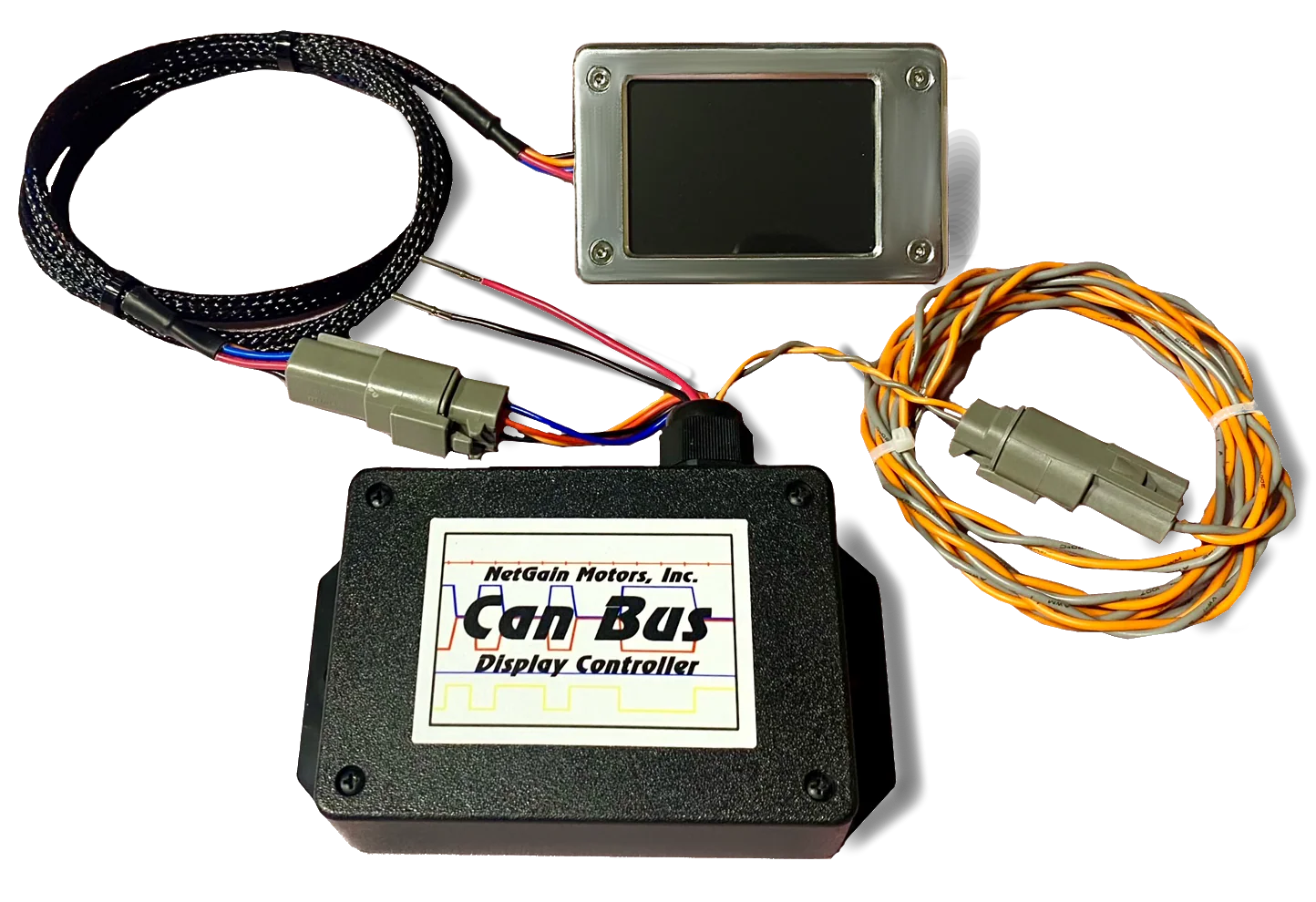
The CAN Bus Touch Display is an optional add-on component for any HyPer-Drive controller/Inverter. The CAN Touch Display Kit is an easy to install/configure CAN Bus Display. It provides all major HyPer Motor & HyPer-Drive Inverter information on one screen. A secondary screen, which can be accessed by tapping the touchscreen, displays less vital system information.
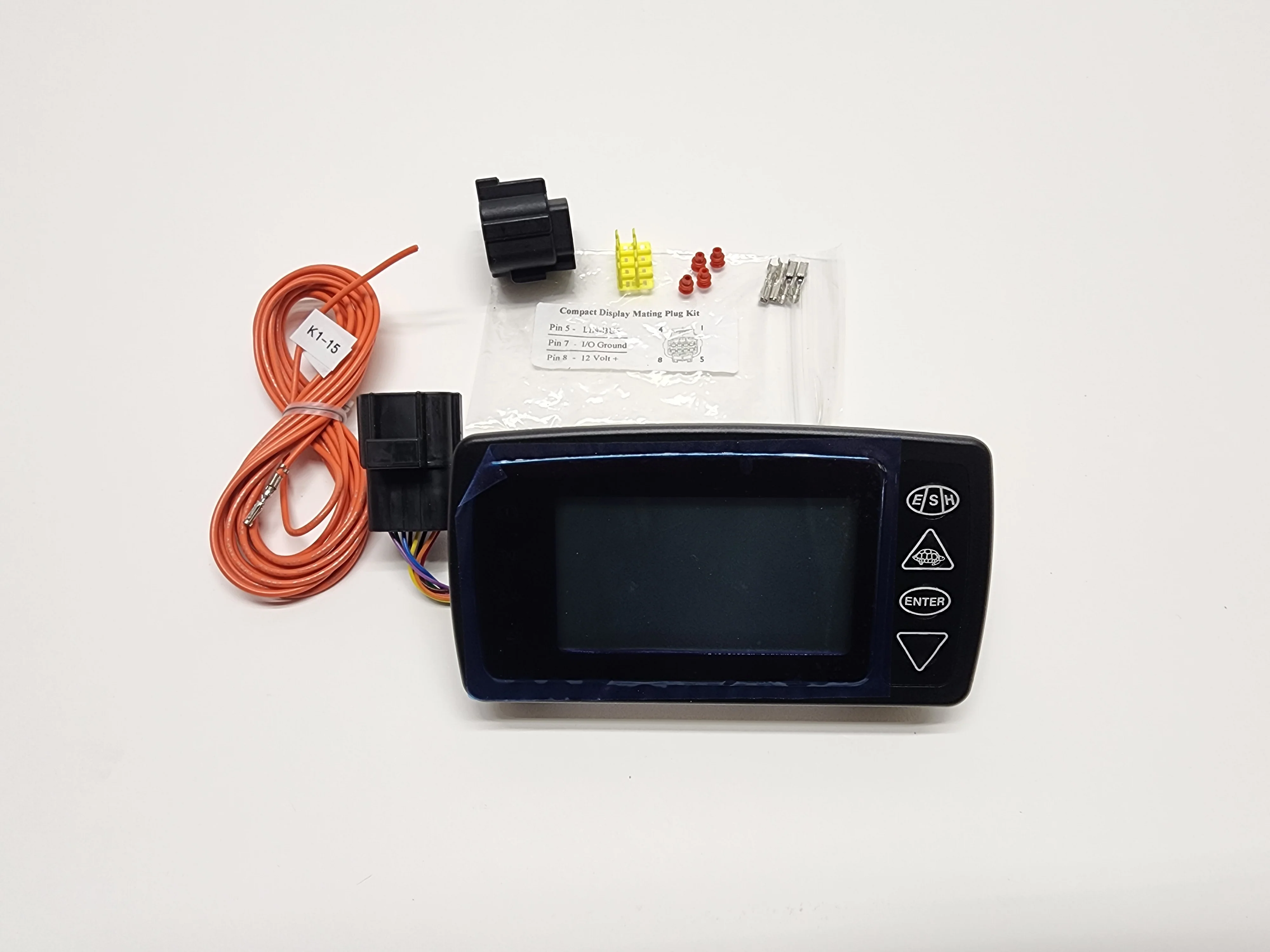
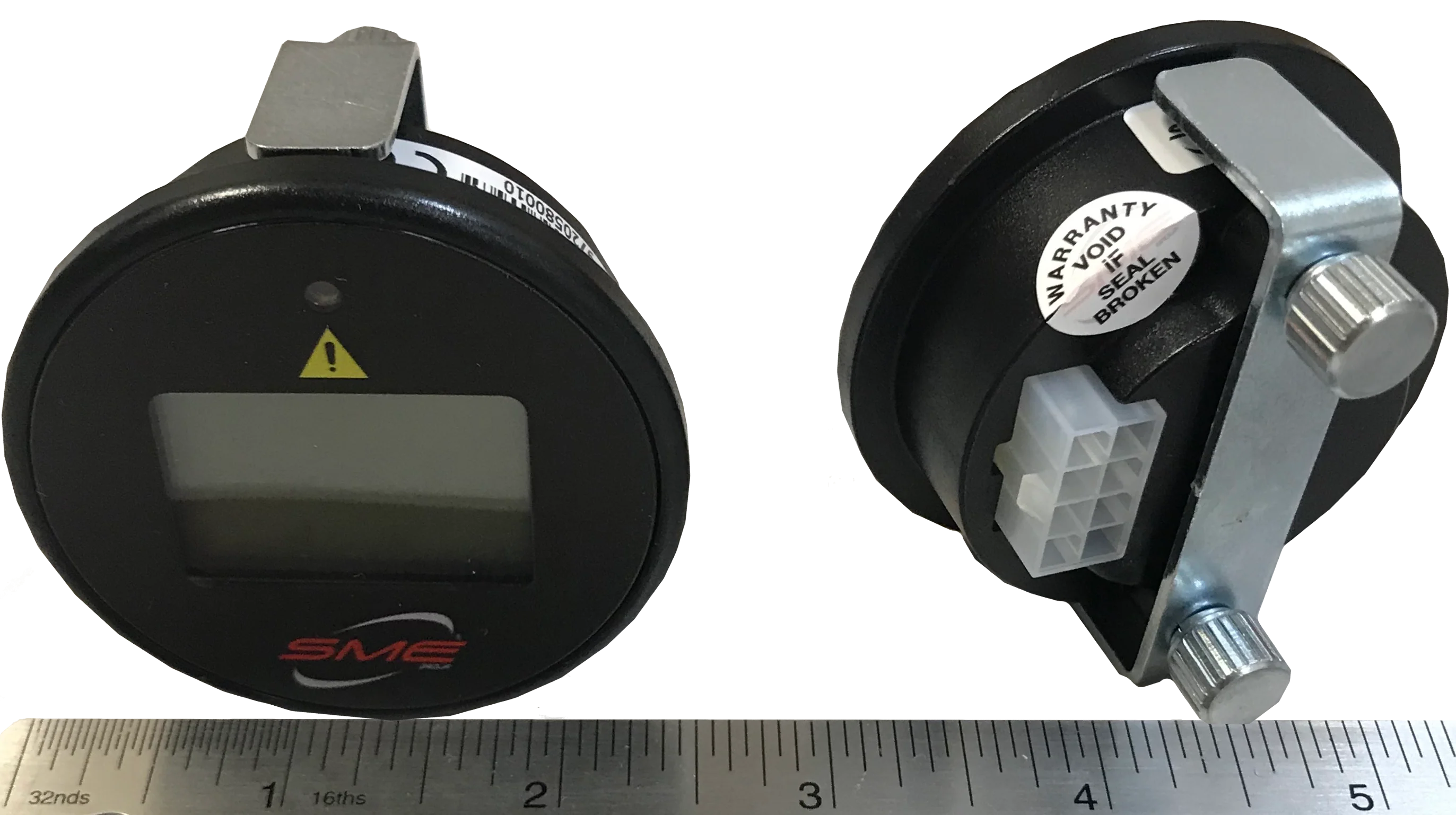
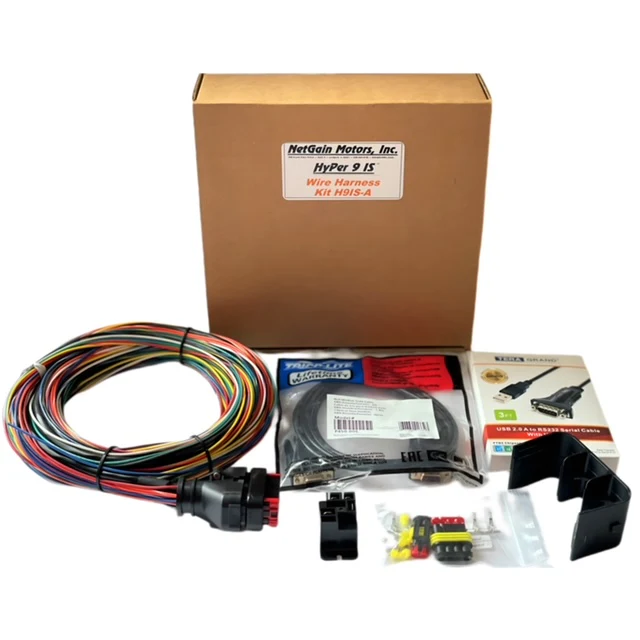
The display fits nicely behind a dash with or without the optional faceplate. The included driver box and harness kit is plug & play - Just supply 12V, connect CAN-H/CAN-L to the inverter's K1 plug, and copy the CAN Network information to your Clone file.
The CAN Bus Touch Display provides the following information::
• Active Motor Direction (F or R)
• Motor Speed (RPM)
• Motor Temperature
• Inverter Temperature
• DC Pack Voltage
• DC Pack Current
• Active Fault Indicated by “Error”
• Motor Current (Arms)
• Torque Request (%)
• SoC (%)
• Operating Hours
• Fault Code of highest priority (when Error is active on Screen 2)
The CAN Bus Touch Display is an optional add-on component for any HyPer-Drive controller/Inverter. The CAN Touch Display Kit is an easy to install/configure CAN Bus Display. It provides all major HyPer Motor & HyPer-Drive Inverter information on one screen. A secondary screen, which can be accessed by tapping the touchscreen, displays less vital system information.
The display fits nicely behind a dash with or without the optional faceplate. The included driver box and harness kit is plug & play - Just supply 12V, connect CAN-H/CAN-L to the inverter's K1 plug, and copy the CAN Network information to your Clone file.
The CAN Bus Touch Display provides the following information::
• Active Motor Direction (F or R)
• Motor Speed (RPM)
• Motor Temperature
• Inverter Temperature
• DC Pack Voltage
• DC Pack Current
• Active Fault Indicated by “Error”
• Motor Current (Arms)
• Torque Request (%)
• SoC (%)
• Operating Hours
• Fault Code of highest priority (when Error is active on Screen 2)
Original: $60.00
-70%$60.00
$18.00Description
The CAN Bus Touch Display is an optional add-on component for any HyPer-Drive controller/Inverter. The CAN Touch Display Kit is an easy to install/configure CAN Bus Display. It provides all major HyPer Motor & HyPer-Drive Inverter information on one screen. A secondary screen, which can be accessed by tapping the touchscreen, displays less vital system information.
The display fits nicely behind a dash with or without the optional faceplate. The included driver box and harness kit is plug & play - Just supply 12V, connect CAN-H/CAN-L to the inverter's K1 plug, and copy the CAN Network information to your Clone file.
The CAN Bus Touch Display provides the following information::
• Active Motor Direction (F or R)
• Motor Speed (RPM)
• Motor Temperature
• Inverter Temperature
• DC Pack Voltage
• DC Pack Current
• Active Fault Indicated by “Error”
• Motor Current (Arms)
• Torque Request (%)
• SoC (%)
• Operating Hours
• Fault Code of highest priority (when Error is active on Screen 2)